
Once you choose Orbify, you’ll receive a link: check your email! From there, you can either set a password or sign up using Google.
Method 1: Using Your Credentials
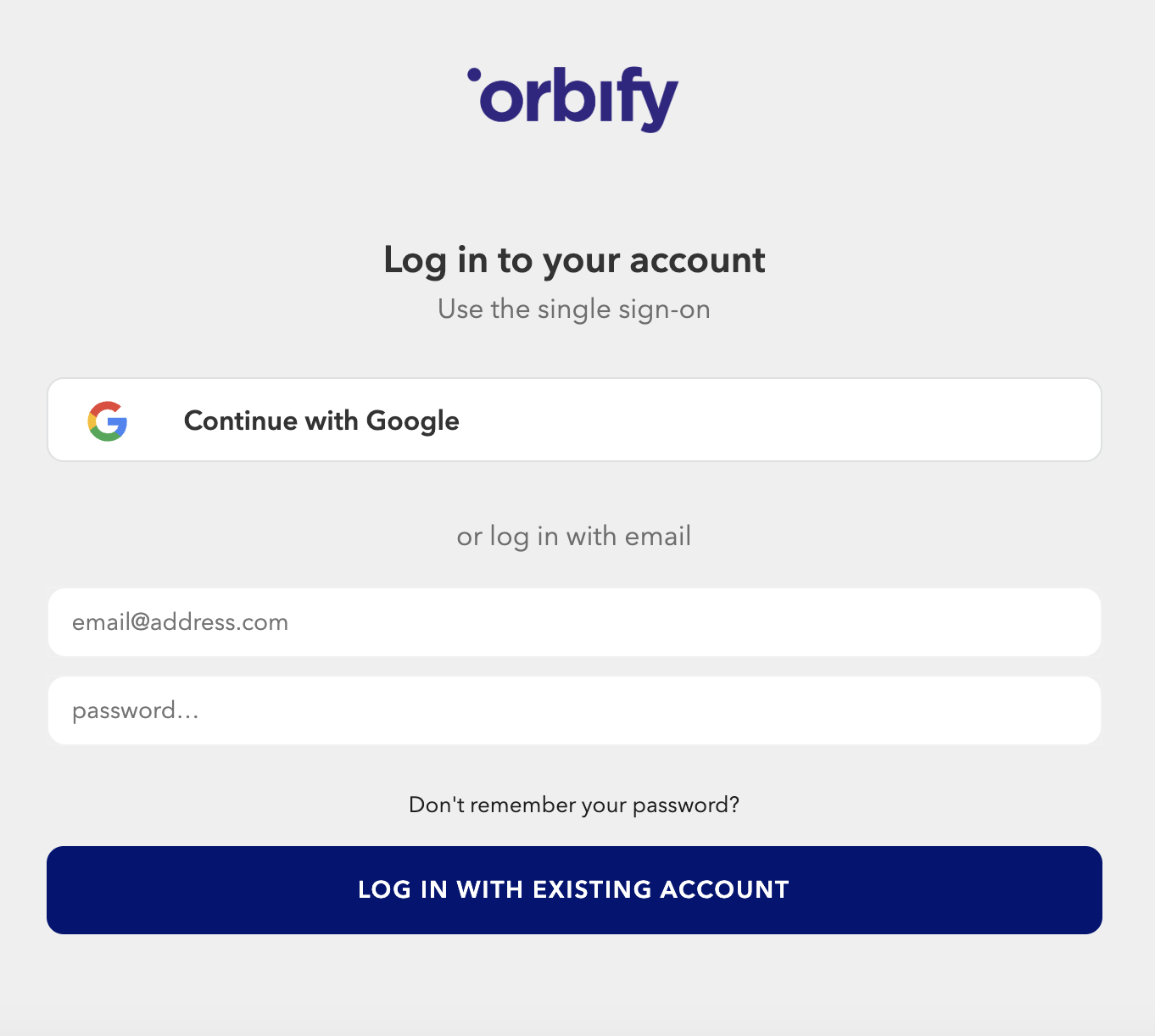
The traditional method of logging in to Orbify involves using your email address and password. Follow these steps to log in with your credentials:
Navigate to the Orbify login page.
Enter your registered email address and password in the designated fields.
Click on"Log In with Existing Account" button to access your Orbify account.
Method 2: Google Authentication
For users who prefer a seamless and secure login experience, Orbify offers Google authentication. Here's how to log in using your Google account:
Visit the Orbify login page.
Instead of entering your Orbify credentials, click on the "Continue with Google" option.
You'll be redirected to Google's authentication page. Enter your Google email address and password.
Grant Orbify permission to access your Google account.
Once authenticated, you'll be automatically logged in to your Orbify account.
Choose the method that best suits your needs and start exploring all that Orbify has to offer!