
Keeping a record of your platform users is often essential for audits, reporting, or internal reviews. Orbify makes it easy to export a full list of users in just a few clicks, providing you with a downloadable CSV file that can be used for further analysis or documentation.
Step-by-Step: Exporting the User List
Navigate to the User Section
Begin by going to the Users section via the sidebar on your Orbify admin dashboard. This is where all current platform users are displayed.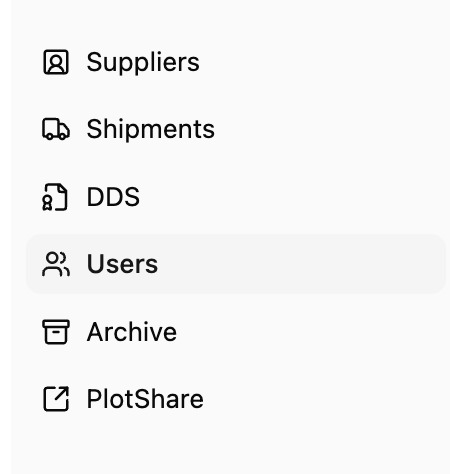
Locate the “Export Users” Button
In the top-right corner of the Users page, you’ll find the “Export Users” button. This option allows you to generate a downloadable file of all listed users.
Download the CSV File
Click the “Export Users” button. A CSV file containing user details—such as names, email addresses, and roles—will be automatically downloaded to your device.
Conclusion
Exporting your user list from Orbify is a quick and efficient way to keep your team records up-to-date and accessible. Whether you're tracking role changes, planning team growth, or conducting an audit, having a CSV export on hand ensures that your data is always organized and ready for use.