The Plotshare Link for Area Creation is designed to streamline the process of defining project areas: this tool enables seamless collaboration while maintaining accuracy and control.
What is the Plotshare?
The Plotshare is an innovative feature that allows you to share a link directly with plot owners or managers, empowering them to take an active role in your project. Here’s what it enables:
Upload or Draw Area Shapes: Recipients can easily upload or draw the shape of their area directly on the Orbify platform.
Review and Approve: Once the area is submitted, you can review and approve the shape before moving forward with the project.
Why Use the Plotshare Link?
This feature brings numerous benefits to your workflow, making it an essential tool for efficient project management:
Streamlined Collaboration: Share the responsibility of area creation with stakeholders, ensuring everyone is involved in the process.
Reduced Errors: Minimize communication gaps and potential errors in capturing plot boundaries by letting stakeholders define their areas directly.
Faster Workflow: Cut down on back-and-forth communications and get the project moving quicker.
Control and Accuracy: Maintain control by reviewing and approving all submissions to ensure they meet your project requirements.
How to Use the Plotshare Link
We’ve made it easy for you to get started with the Plotshare Link. Here’s how it works:
Navigate to the User Section
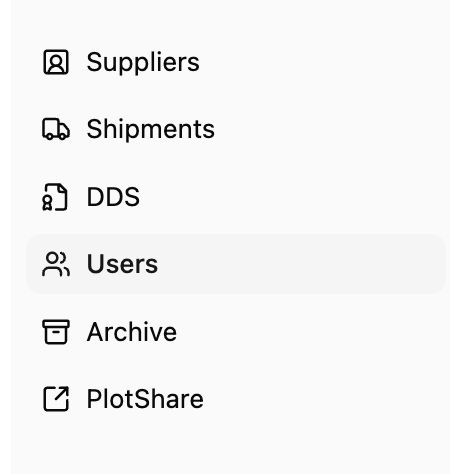
Begin by logging into your Orbify admin account. On the sidebar, locate and click on the “Users” section. This is where you’ll manage all team members currently on the platform.
Click on the user you wish to share the link with, then select “Grant Supplier Portal Access.”
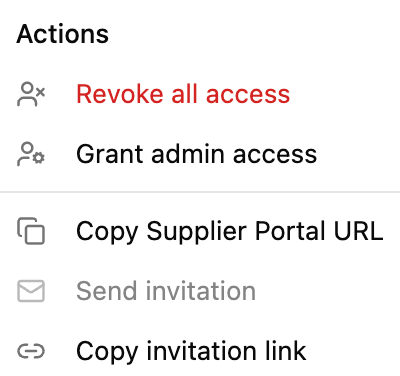
Once access is granted, the user will be directed to a dedicated area where they can upload plots or DDS files. From your side, you retain full control over the process and permissions.
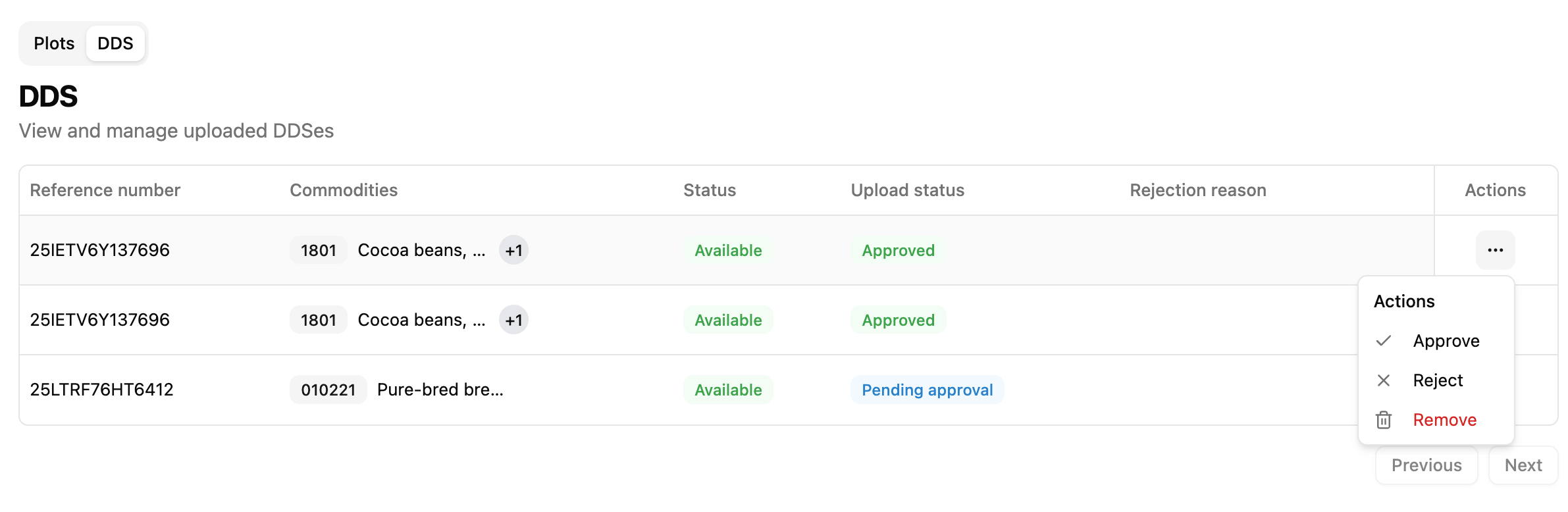
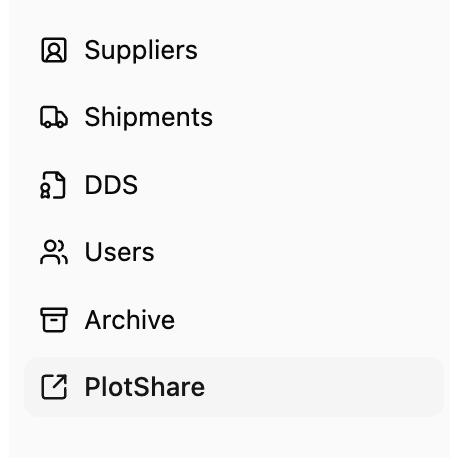
To manage or review shared content, simply navigate to the PlotShare section.
Here, you can review the plots or DDS files submitted by your users, and choose to approve or reject them as needed.